
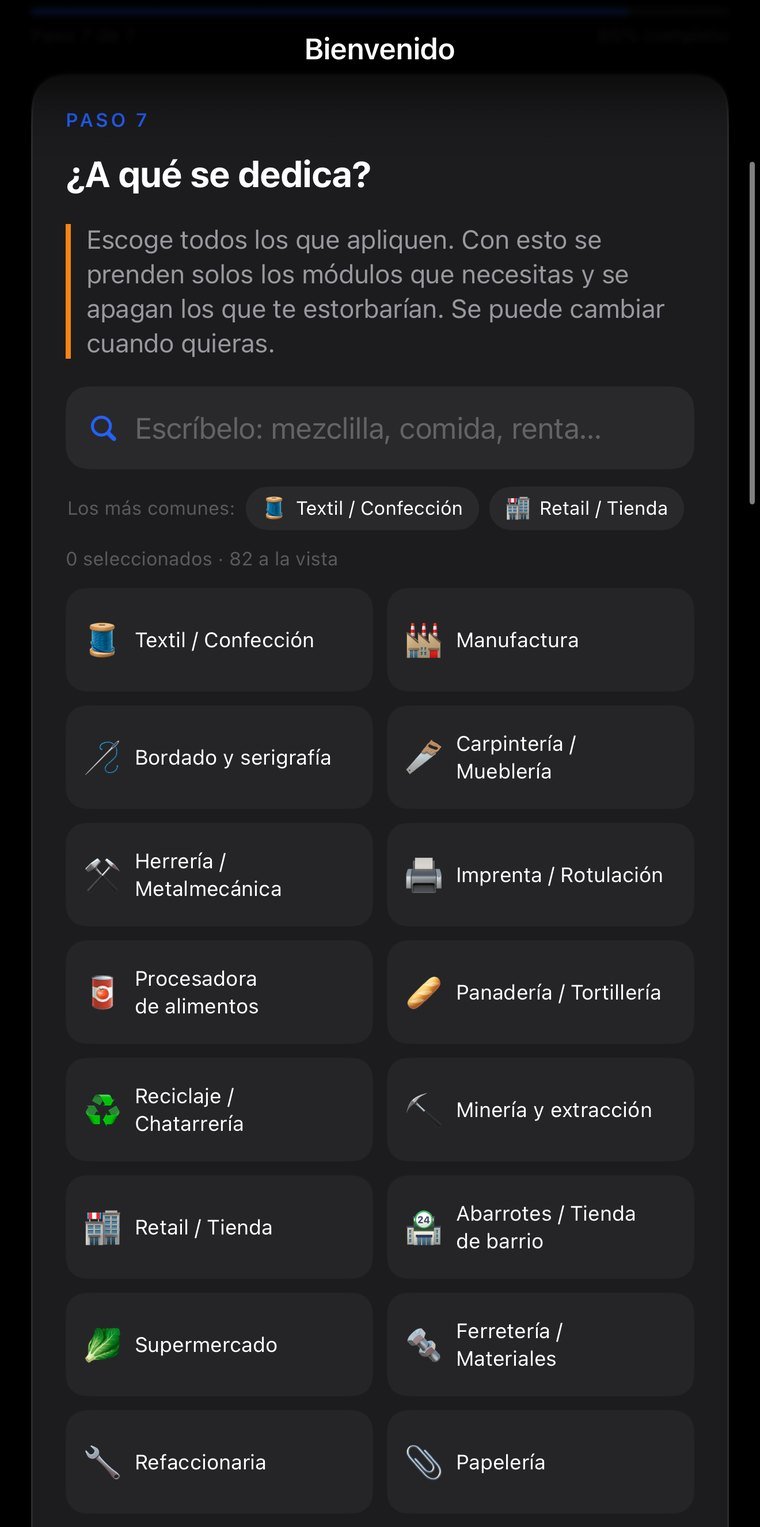
A normal ERP forces the business to work the way the system does. In OrdenPlace you answer what your business does when you create the company, and the modules that industry uses switch on by themselves; one company can run several industries on the same base. Underneath there's a decision that holds it all up: the quote, the order, the invoice, the purchase order and the production order are the same object with different configuration. That's why adding an industry is a configuration row and not a six-month project.
Real screenshots, not mockups. Tap any of them to see it full size; arrows move between them, Esc closes.
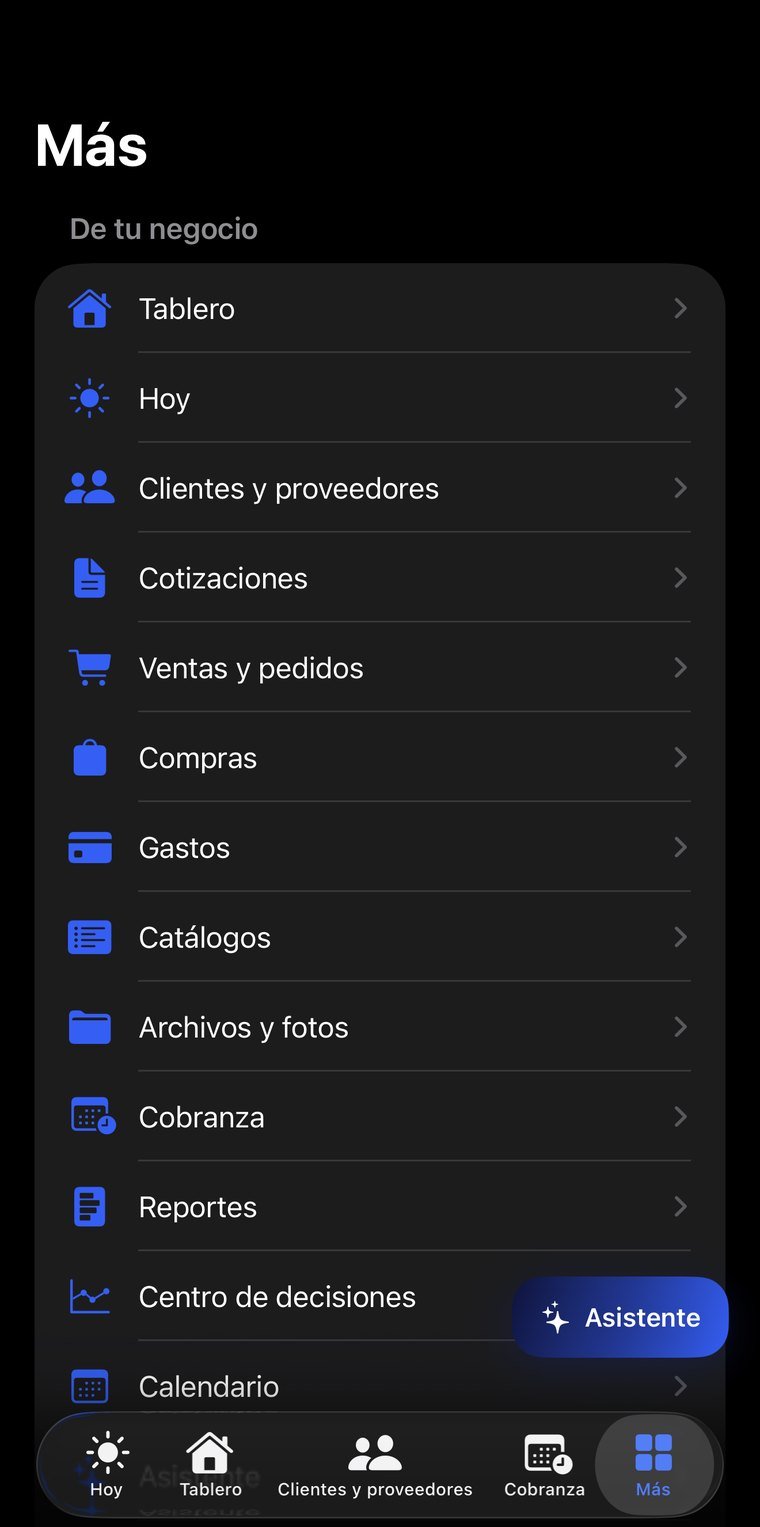
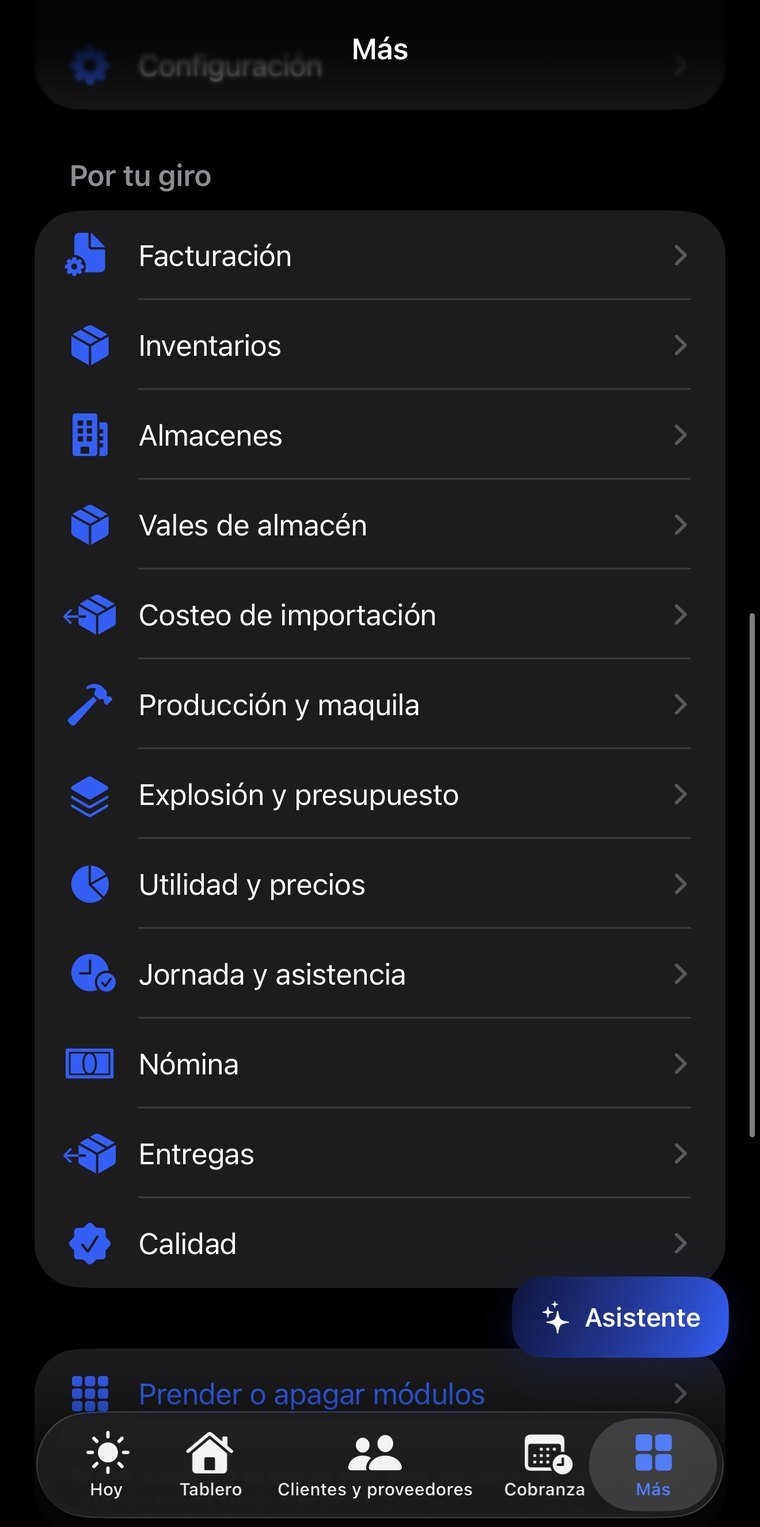
CRM, quotes, orders and invoicing chained together: converting doesn't duplicate, it keeps the origin linked, so six months later you can answer which quote that invoice came from. The quote goes out as a link — the customer opens it on their phone and accepts it without signing up — and every view is counted. The difference between “did you get it?” and “I saw you opened it three times, what's holding you back?” is the sale.
A purchase fills itself in from the supplier's electronic invoice file and warns you if their price went up since last time. Inventory is a real ledger of movements, never a stock field somebody adjusts, with warehouse slips covering 12 reasons, each with its accounting treatment: to production it's cost, a sample is a selling expense, shrinkage is a loss. In the warehouse they look the same; in the numbers they're not.
Cash, banks with reconciliation, journal entries that won't save out of balance, receivables and payables with aging, and financial statements built from the entries —not from loose sales— with vertical and horizontal analysis, EBITDA, and seven ratios explained, including the cash conversion cycle, which is what explains how a profitable business runs out of money.
An import doesn't cost what the invoice says. Customs value is goods plus international freight plus insurance, and duties and fees come off that. It includes the costs nobody accounts for: wire transfer fees, the bank's exchange-rate spread —that 1 to 2% that never arrives as an invoice— and handling. Each cost stores what you were quoted and what you were charged, and shows you the difference.
Schedules with illegal-workweek detection, attendance with lateness, overtime paid the way the law requires, and vacation under the 2023 reform. Paying all overtime at the same rate is one of the most common grounds for a labor claim.
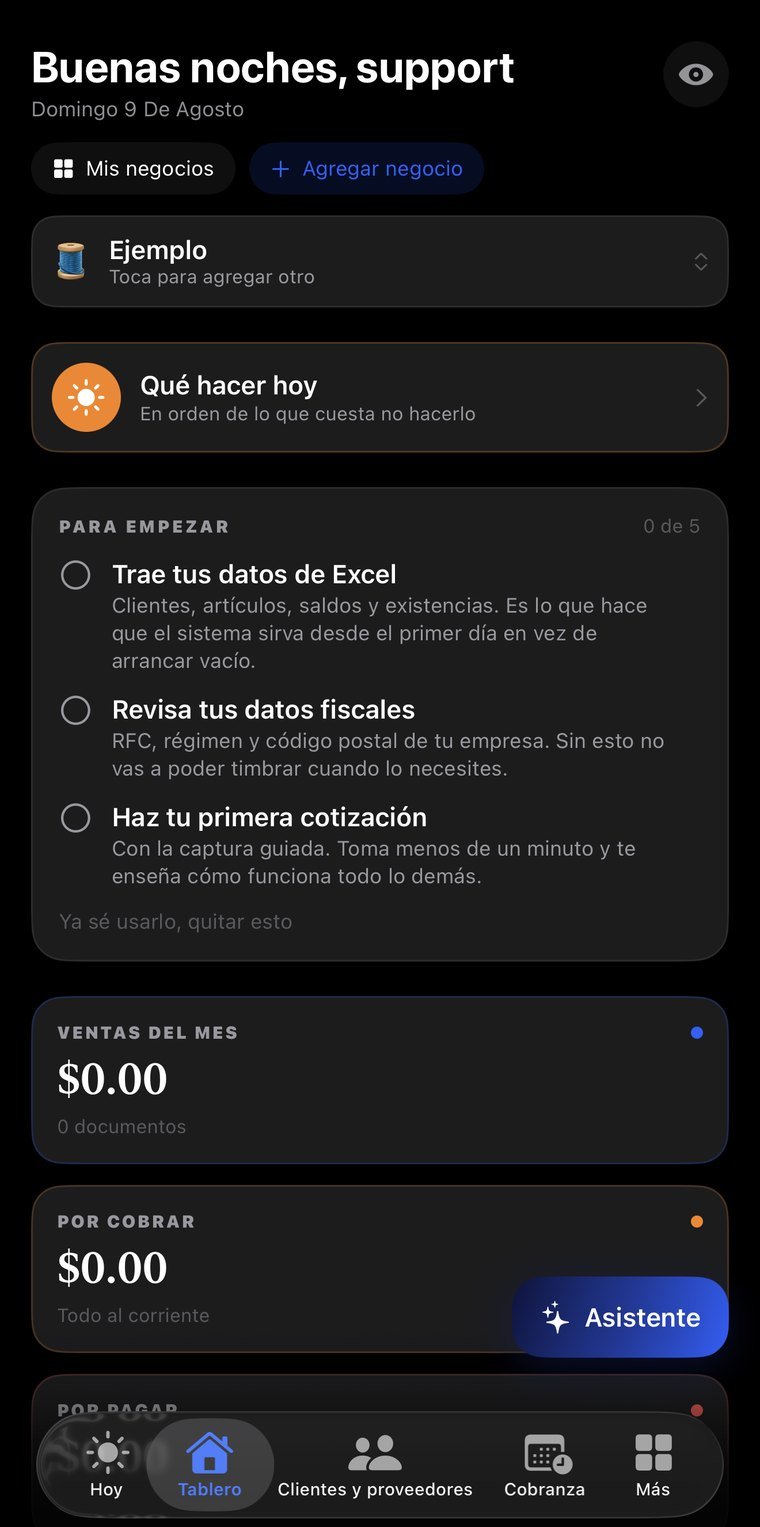
Open items ranked by what it costs you not to do them, not by amount or by date, and cut down to what fits in one day because a list of twenty gets ignored. It includes detection of customers who stopped buying, measured against each one's own rhythm: someone who buys weekly and hasn't in a month is more serious than someone who buys quarterly.
The only part of the app that looks forward: levers for price, volume, cost and expenses with before and after side by side, six typical scenarios including “sales drop 20%”, break-even with a cushion, and valuation by EBITDA multiple using real multiples for small businesses by industry.
It imports and reads CFDI from Mexico, UBL from Colombia and Peru, DTE from Chile, Facturae from Spain and AFIP receipts from Argentina. It detects the format by content and not by file name, and from that customers, suppliers, items and a properly aged receivables ledger appear on their own.
Prices, plan limits, feature flags, notices, maintenance and minimum version all change from the panel without shipping a new version. Permissions, caps and quotas are enforced by the server: hiding a button is not a permission.
No new account, nothing to install: you sign in with the same email and password as the app and see your information on a big screen. Useful for reviewing, showing someone something, or printing without passing screenshots around.
The email and password you already use. If you don't remember it, the reset email goes out from that same screen.
Companies, documents, customers and suppliers, items…
The session lives only in that tab and is erased when you close it. If you signed in on a borrowed computer, nothing is left behind.
The web is for reading; entry happens in the app. Two places writing at once is how information stops reconciling and changes get lost — we'd rather that simply couldn't happen.
Permissions are enforced server-side, not by the page. From the browser you can't reach information that isn't yours, even if someone tries by hand.
Permissions are the same as in the app: you only see what your role allows.
For small and mid-size businesses that already have a way of working and need to put it in order: retail, manufacturing, services, distribution, importing, healthcare, education and hospitality, among 82 industries.